Direkt zum Hauptinhalt
Sharing in SharePoint
- Upload the data you want to share
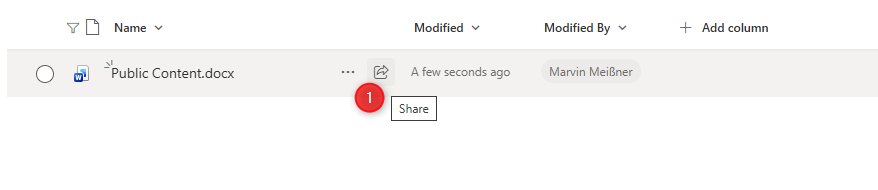
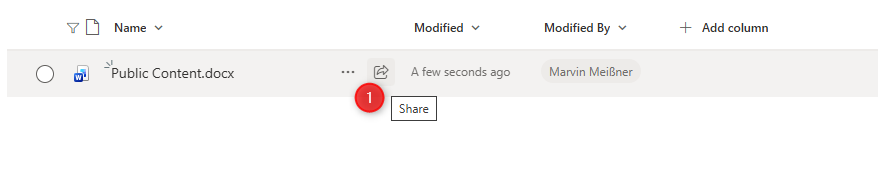
- Hover over the document or folder you want to share and click on the Share symbol
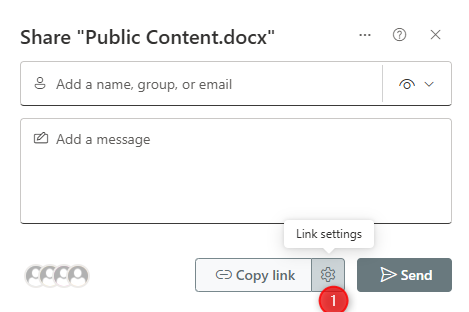
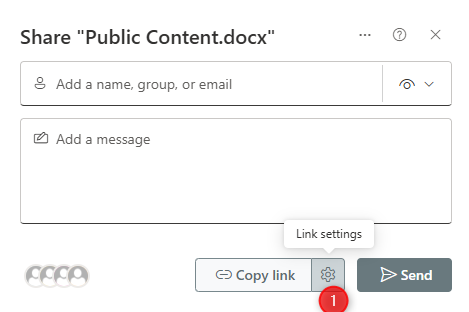
- Modify the link settings by clicking on the gear symbol
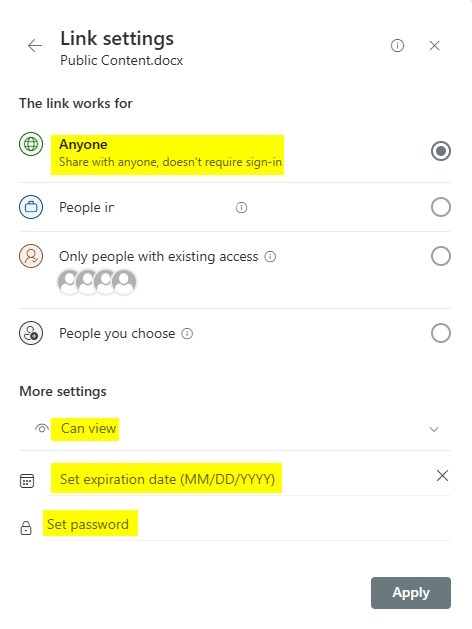
- Feel welcome to adjust the settings as you like
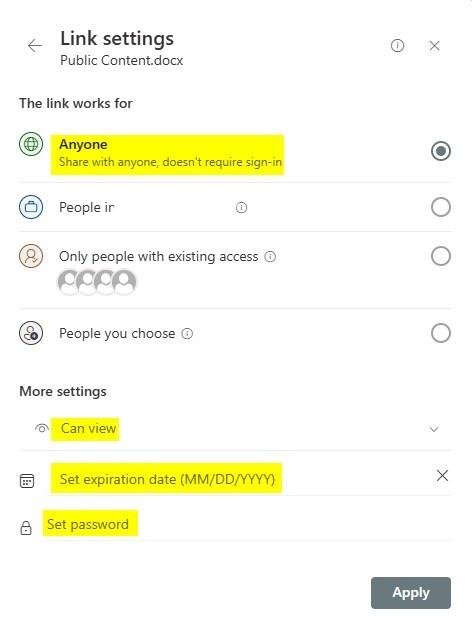
- When sharing files or folders in SharePoint, always choose Can view by default and only use Can edit if real collaboration is required.
SetPlease always set an expiration date. forThis sharingdate linksshould and keep itbe as short as necessary.appropriate. You may add an additional password if you like.
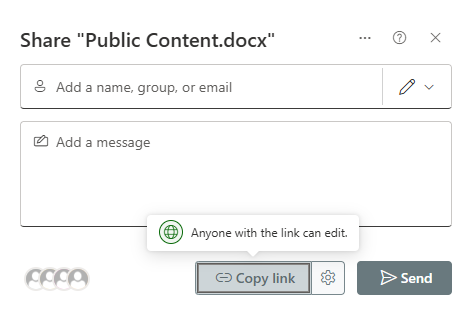
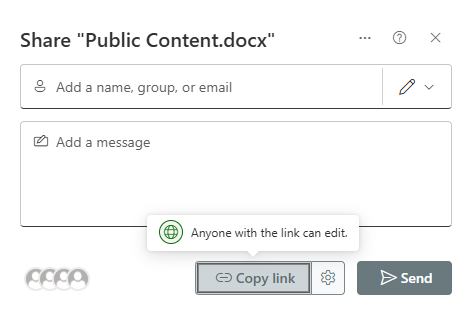
- You can copy or send the link now