
Open Shared Mailbox
Web
There are two options:
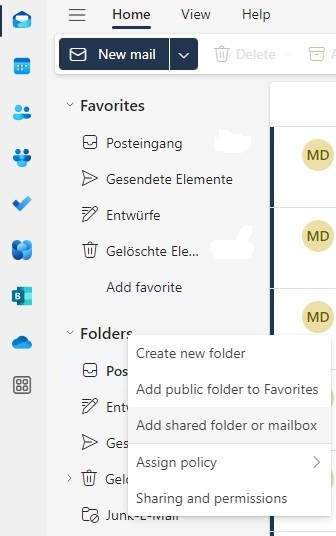
- Pin it:
- Right-click on Folders and select Add shared folder or mailbox.
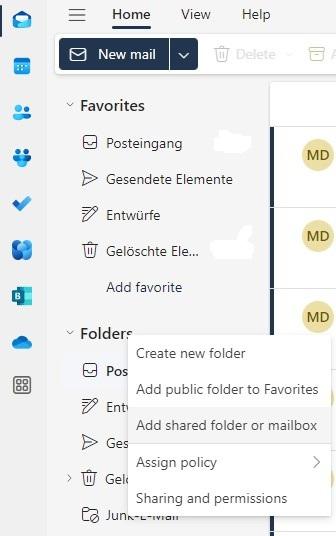
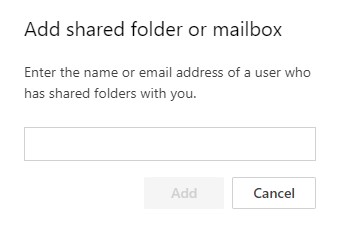
- Enter the name of the shared mailbox.
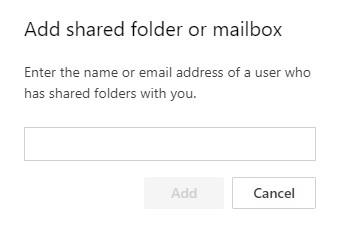
- Click on Add.
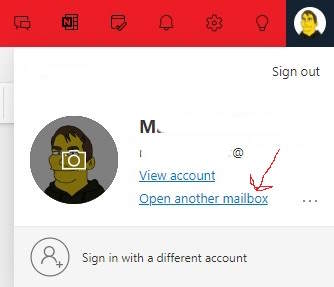
- Open it in a new tab:
- Click on your picture in the upper right and select Open another mailbox.
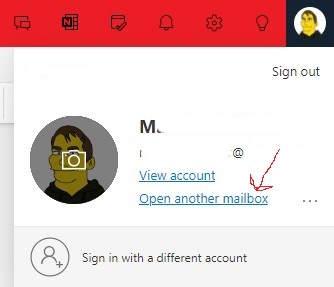
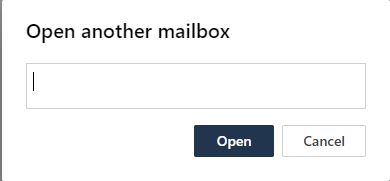
- Enter the name of the shared mailbox.
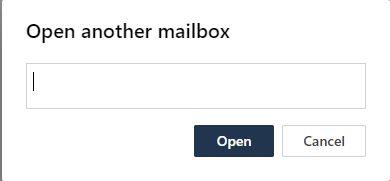
- Click on Open.
Smartphone
macOS