# Receiving Encrypted E-mails From PC-SPEZIALIST Hannover
We only send sensitive information in an encrypted e-mail.
If you use encrypted e-mail communication yourself, you will receive our e-mail as usual and no further action is required.
If you only use unencrypted communication, you will need a password to read our encrypted e-mail.
This is how it works:
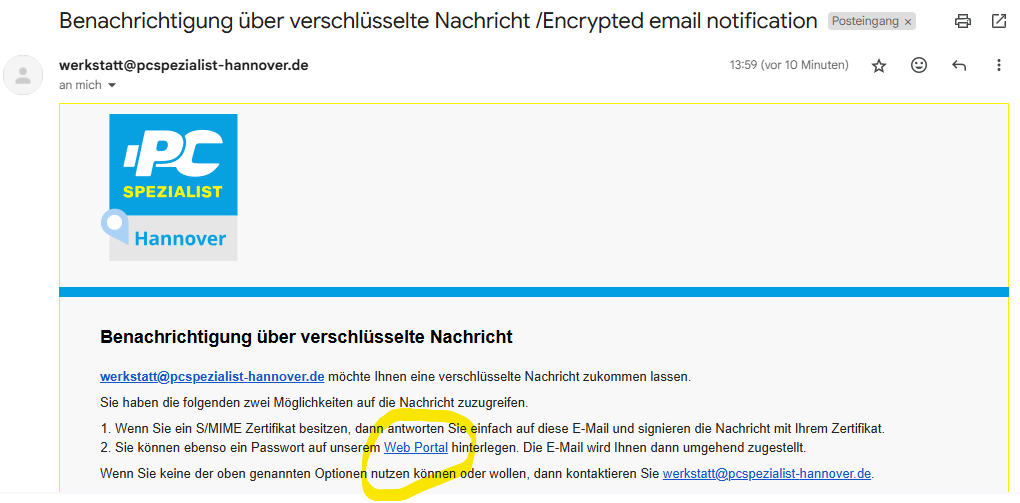
1.) You will receive an email with the subject **Benachrichtigung über verschlüsselte Nachricht / Encrypted email notification**, which contains a link to the web portal. Open the web portal by clicking on it.
Here is an example of the content of the e-mail that will be sent to you:
[](https://wiki.pcspezialist-hannover.de/uploads/images/gallery/2025-01/e-mail-verschluesselung-1.png)
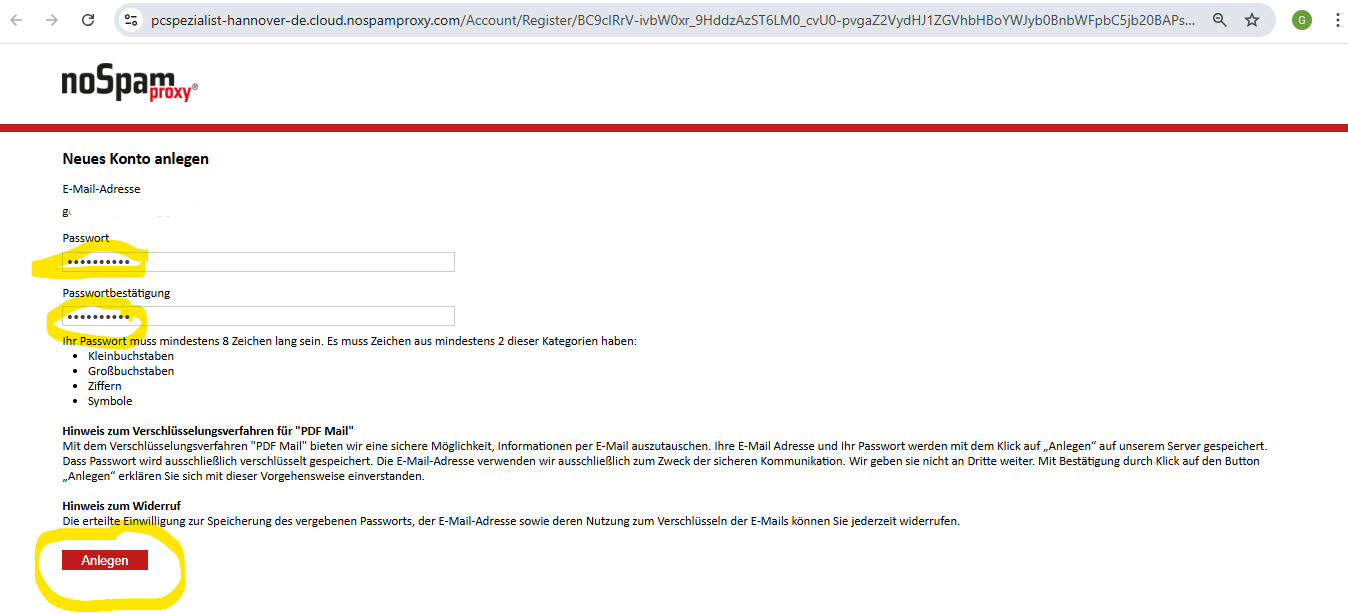
2.) You can now create a new account in the web portal. Enter your e-mail address and a password of your choice. We recommend storing the password in your password manager (e.g. Enpass).
[](https://wiki.pcspezialist-hannover.de/uploads/images/gallery/2025-01/e-mail-verschluesselung-2.png)
Note: Not all special characters are accepted.
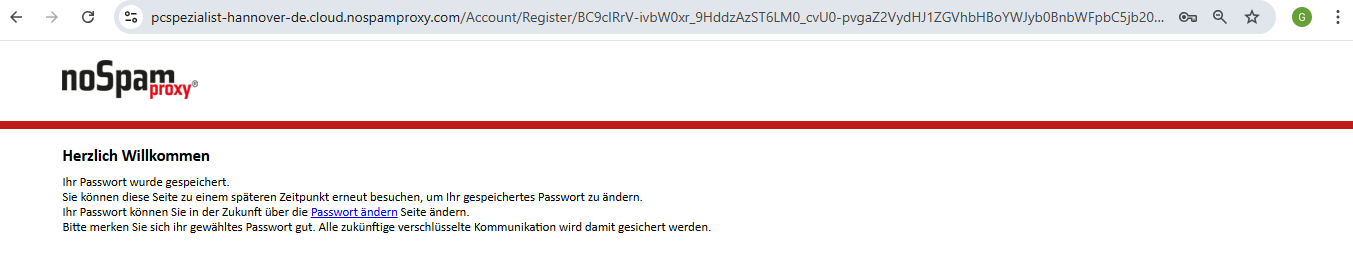
3.) You will then receive another e-mail from us informing you that the password has been saved.
[](https://wiki.pcspezialist-hannover.de/uploads/images/gallery/2025-01/e-mail-verschluesselung-3.png)
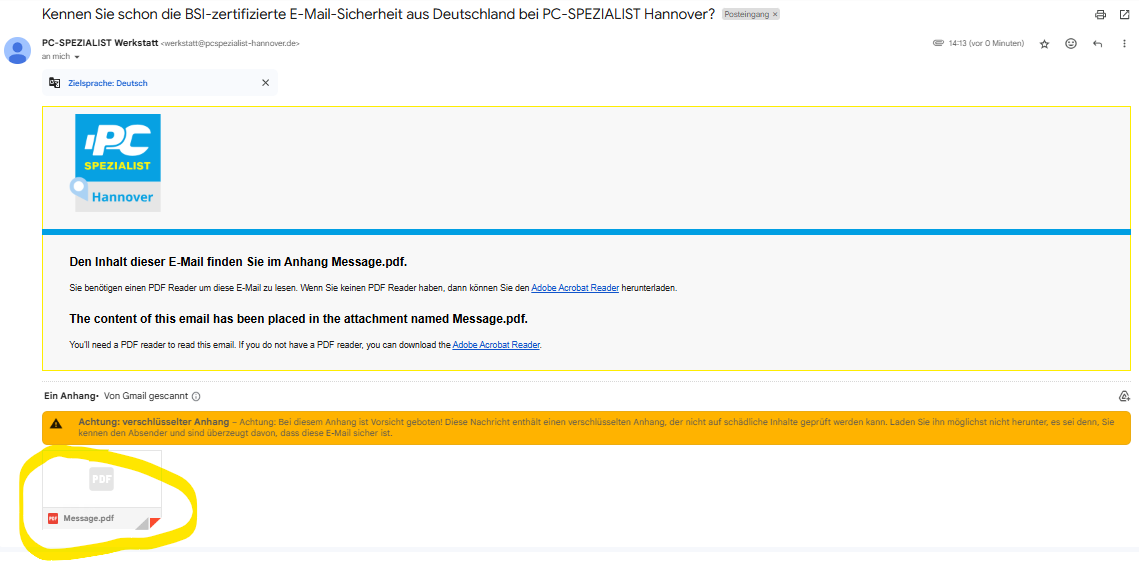
4.) You will now receive the actual e-mail with the content in an encrypted PDF document called **Message.pdf**.
[](https://wiki.pcspezialist-hannover.de/uploads/images/gallery/2025-01/e-mail-verschluesselung-4.png)
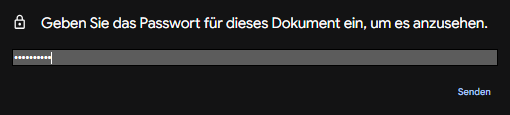
5.) Now unlock this file with the previously assigned password.
[](https://wiki.pcspezialist-hannover.de/uploads/images/gallery/2025-01/e-mail-verschluesselung-5.png)
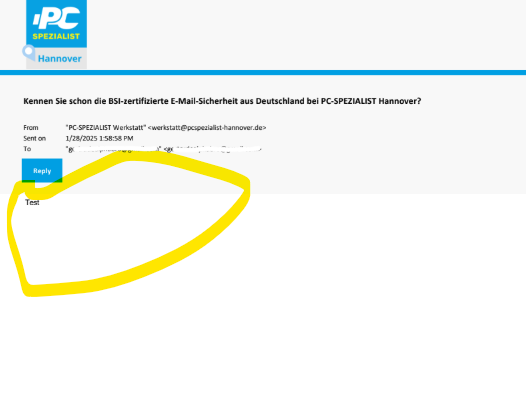
6.) You will now see our message in your PDF viewer program. Awesome. 👍
[](https://wiki.pcspezialist-hannover.de/uploads/images/gallery/2025-01/e-mail-verschluesselung-6.png)
Note: If you have forgotten a password that has already been assigned, you can reset it in this way: [https://wiki.pcspezialist-hannover.de/books/e-mail-CvA/page/receiving-encrypted-e-mails-from-pc-spezialist-hannover-forgotten-password](https://wiki.pcspezialist-hannover.de/books/e-mail-CvA/page/receiving-encrypted-e-mails-from-pc-spezialist-hannover-forgotten-password).